Integrations
Integrations connect Better Email to your ESP. They make it possible to export finished campaigns with the correct merge tags, segmentation logic, and platform-specific code for the target system.
If you want your own system to call Better Email directly, use the Better Email API. API docs are separate from ESP integration guides.
What integrations are used for
Integrations affect more than export. They can also shape:
- merge tag output
- segmentation rules
- recipient field syncing
- feed and personalization workflows
That means integration setup is foundational, not just a final-step task.
Who can manage integrations
Only users with the Admin role can create, edit, and authenticate integrations.
Editors and designers only see the integrations they have access to.
Adding an integration
The high-level flow is:
- Go to Integrations.
- Create a new integration and choose the correct type.
- Enable it.
- Complete any required credentials or authentication steps.
- Save and confirm the connection is active.
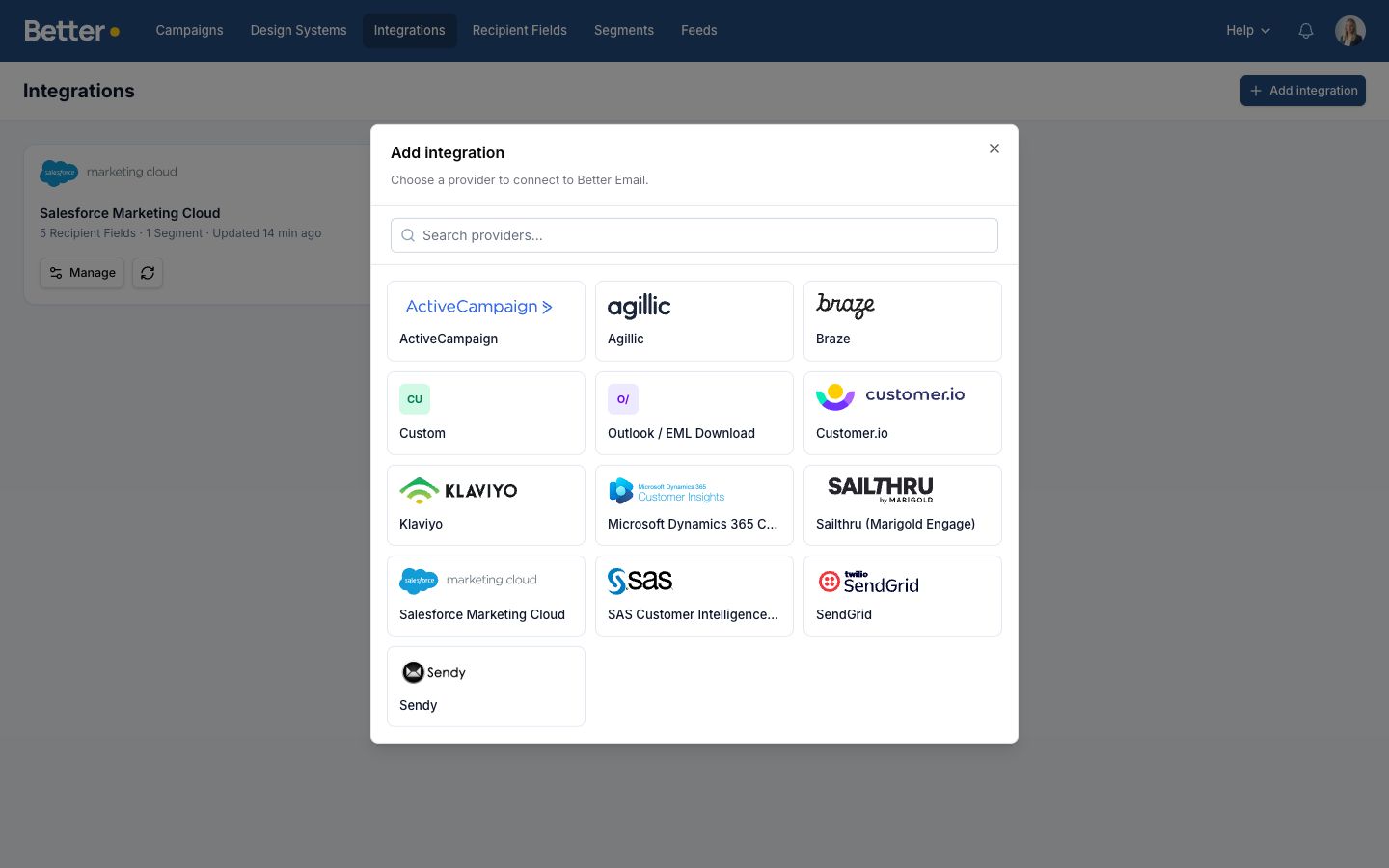
Some integrations use API keys. Others use OAuth and will redirect you to the ESP for approval.
Integration access and visibility
Enterprise-only feature: Integration access restrictions and group-based access control are available on Enterprise plans.
If integration access controls are enabled in your workspace, admins can limit an integration to specific users or groups.
This matters because integration visibility affects more than the integration list itself. Users only see integrations they have access to when:
- exporting campaigns
- choosing an integration for segments
- choosing an integration for recipient fields
- syncing recipient fields from an integration
If a user does not have access to an integration, they also will not see segments or recipient fields tied to that integration.
Exporting a campaign
Once an integration is active, users can export campaigns directly from Better Email.
During export, Better Email renders the email with:
- the current content and settings
- merge tags
- segmentation logic
- integration-specific output rules
If the integration supports updates, repeated exports can update the same asset in the ESP instead of creating duplicates.
Choosing the right level of detail
This page covers the shared integration model. Use an integration-specific guide when setup details differ by provider.
If the integration you need is missing from this list, contact us and we can help you choose the right workflow or confirm whether a dedicated integration is available.
Current guides:
- Salesforce Marketing Cloud integration
- ActiveCampaign integration
- Mailchimp integration
- HubSpot integration
- Klaviyo integration
- Agillic integration
- SendGrid integration
- Braze integration
- Customer.io integration
- Sailthru integration
- SAS CI 360 integration
- Microsoft Dynamics 365 Customer Insights Journeys integration
- Custom HTML export
- Groups and access control
Best practices
- Keep integration names clear so marketers know which one to export to.
- Use access controls if different teams work in different ESPs or business units.
- Verify recipient fields and segments after connecting a new integration.
- Test exports early when setting up a new workflow, not right before a launch.